Claude Code skill · early access
New pages that look like the app you already have
Design skills give every project the same fresh look — and it clashes with your old pages. Match Style reads your tokens, components and sibling pages first, then builds UI that looks like it was always there.
One-time payment · lifetime updates · no subscription
The test
Same project, same prompt, two skills
Both skills were asked to add one new page to a live Next.js app. Left: a page that was already there.
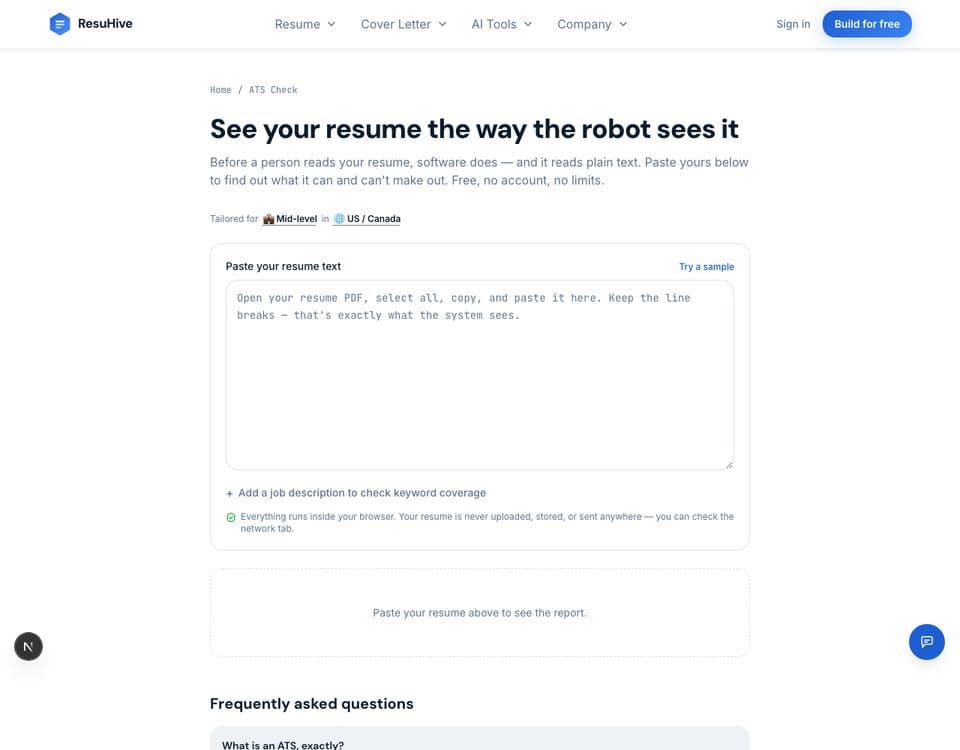
The existing page
What the project already looks like
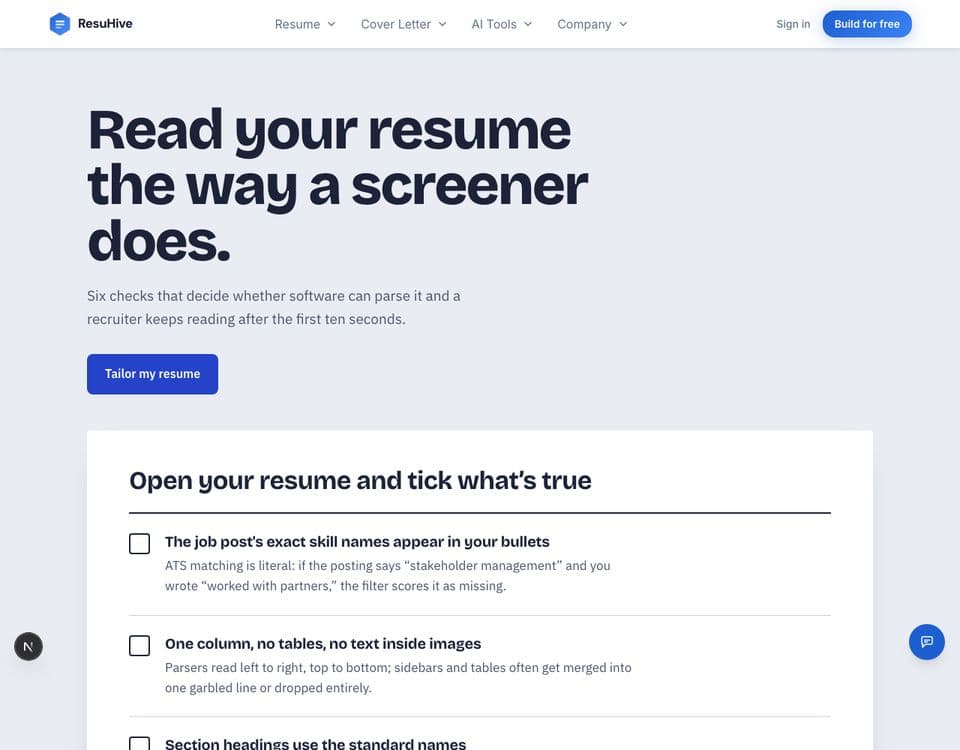
A generic design skill
New fonts, new colors, new buttons
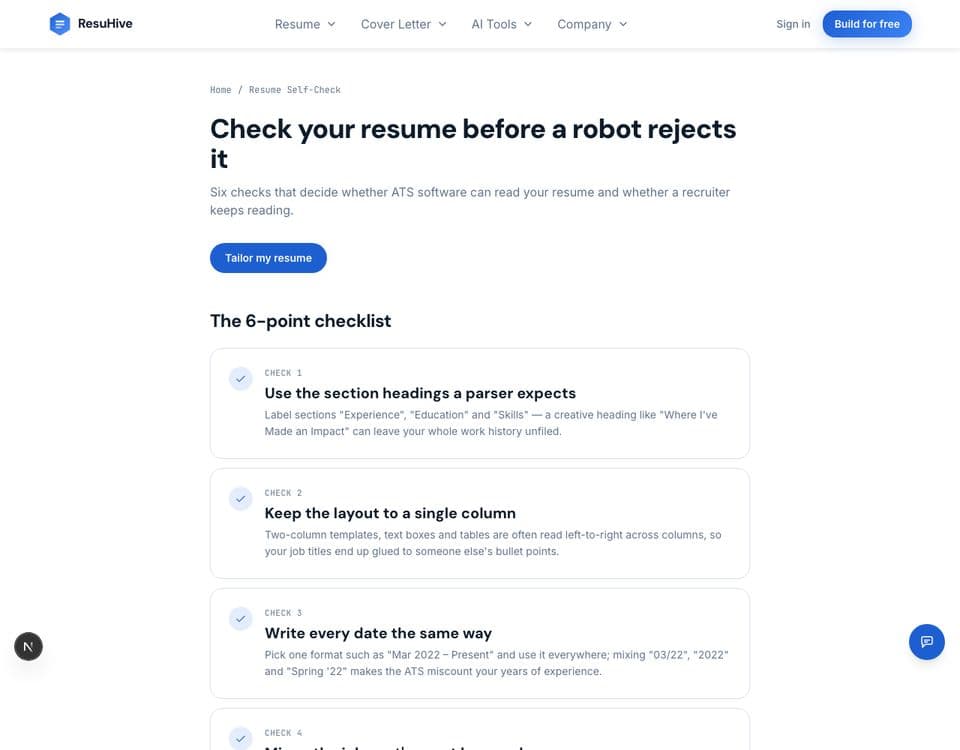
Match Style
Same header, type, cards and buttons
| Two projects (with / without design docs) | Generic design skill | Match Style |
|---|---|---|
| Hard-coded colors | 17 / 30 | 0 / 0 |
| New fonts added | 2 / 2 | 0 / 0 |
| Uses the project's own Button | No / No | Yes / Yes |
| Keeps the site header | Yes / No | Yes / Yes |
One run per project. Small sample, real numbers.
What you get
One skill, built for old projects
- ✓ The Match Style skill: survey the project, write a style fingerprint, build by reuse
- ✓ Recipes for the pages you add most: forms, settings, data tables, pricing, empty states
- ✓ A self-check step that greps for stray hex colors, extra fonts and hand-made buttons
- ✓ Works with Claude Code and any agent that reads SKILL.md
Match Style skill pack
$19
Pay once. Updates included.
Questions
How is this different from TypeUI or other design skills?
Those ship a fixed look — great for a new project, a clash in an old one. Match Style ships no look at all. It copies yours.
My project has no design docs. Does it still work?
Yes — round two of the test above ran on a project with no design docs. The skill reads your CSS variables, UI components and two sibling pages instead.
Is it a subscription?
No. $19 once, and later updates are included.